Share the video
without sharing everyone.
Automatically blurs faces in your videos. All on your phone.
free · nothing uploaded · no account · iPhone (iOS 17+)
Exported straight from the app.
Try it
Everyone starts hidden. Tap the faces you want to keep.
Real photo goes here.
3–5 faces; tapping applies the actual blur + sticker treatment in the browser.
See ASSETS.md §2
How it works
- Pick a video. Every face gets covered automatically.
- Tap the faces you want shown.
- Export and share. The covers are baked in.
Cover packs
Blur and pixelate are the defaults. Stickers come as a pack — under every one, the face is pixelated away first.






What it does
- 100% on-device. No server — works in airplane mode.
- Detects and tracks every face in the video.
- Blur, pixelate, or sticker covers.
- Share straight from Photos.
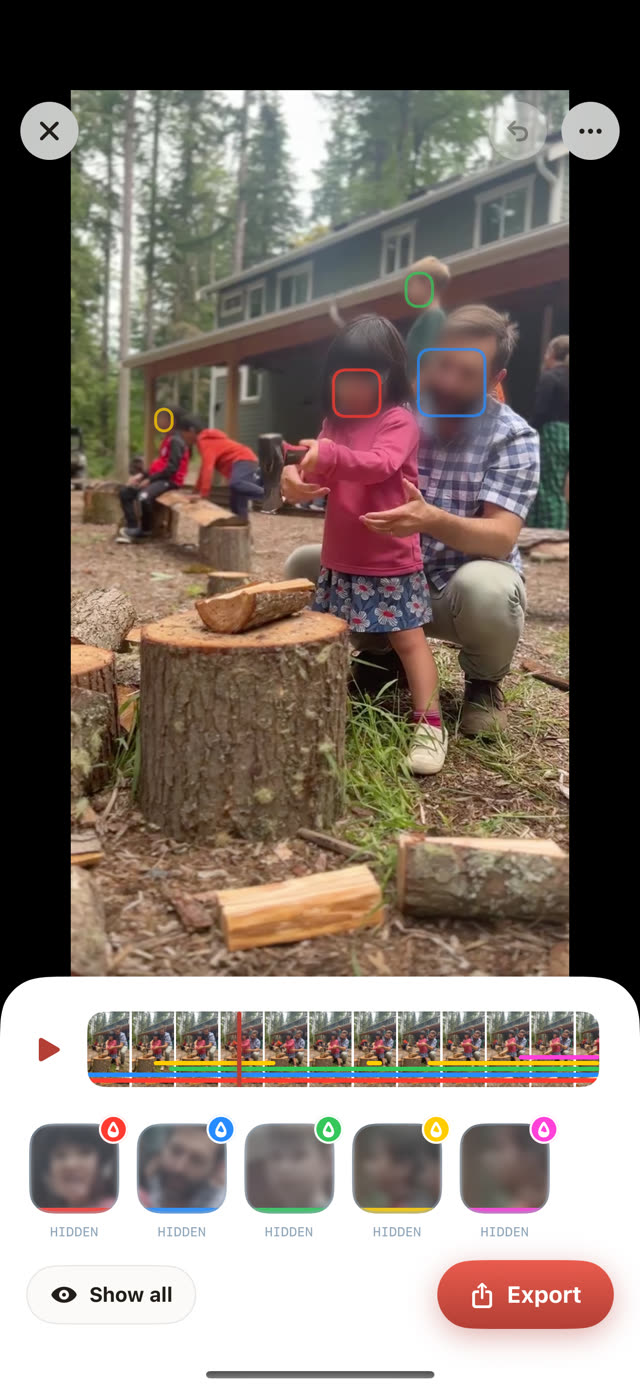
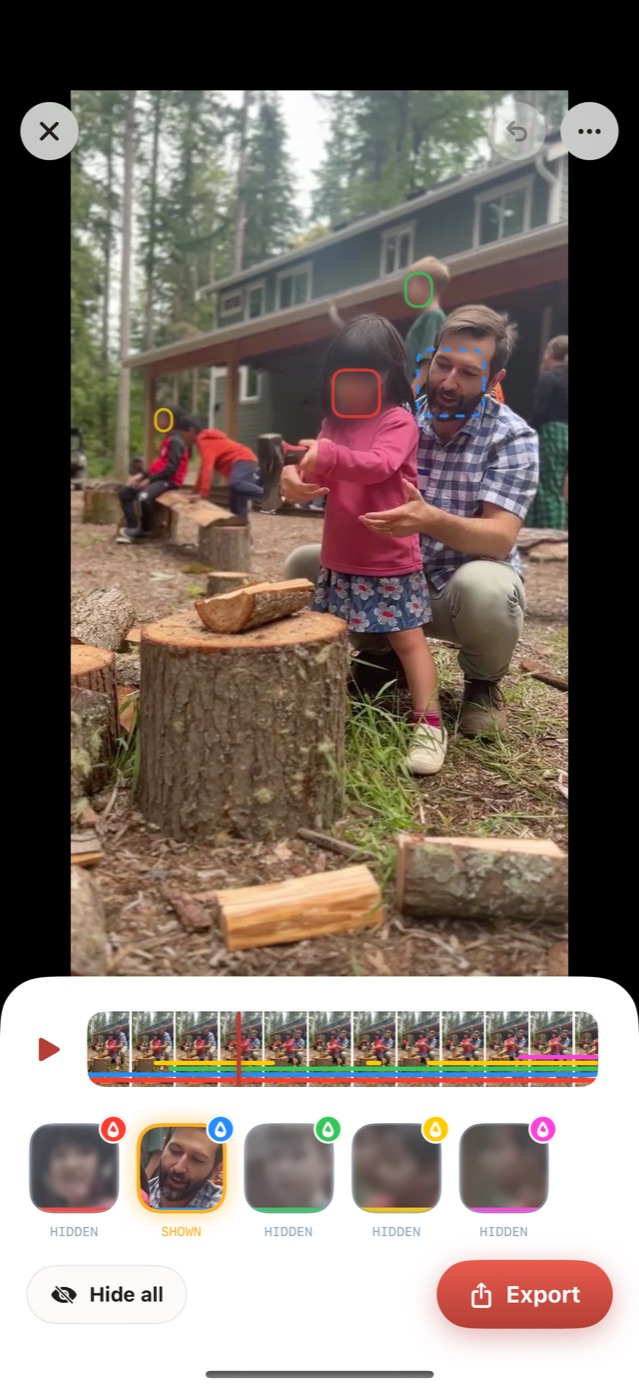
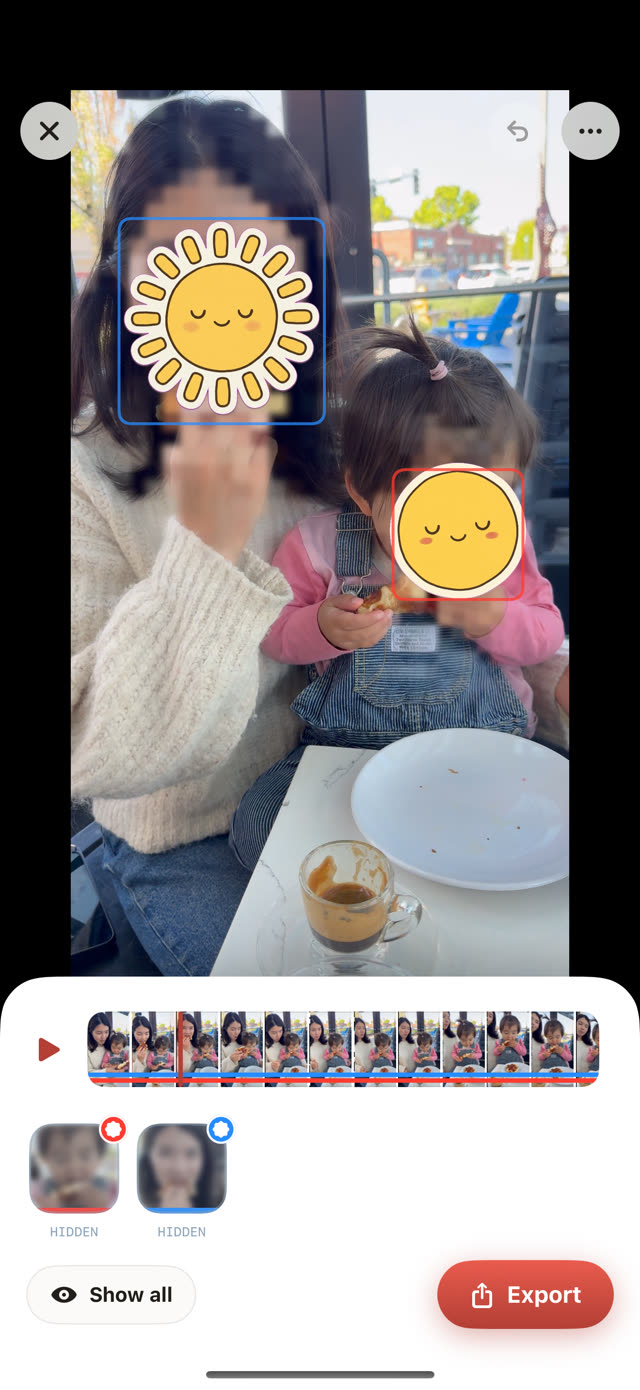
I made this for someone who wanted to share videos of her kids playing without putting other people's kids on the internet. It's free.
Questions
Is it really free?
Yes. Blurring faces, any video length, any number of people, stickers included: all free. Peekablur Pro is optional. It removes the small logo from exports and unlocks full-resolution export.
Does my video get uploaded anywhere?
No. There's no server to upload to. Everything runs on your iPhone.
Can the blur be undone?
No. In the exported video the face just isn't there. It's pixelated before any sticker goes on, and that's what gets saved.
Which iPhones does it work on?
Anything running iOS 17 or later.
Is there an Android version?
Not yet. Everything runs on Apple's on-device face tech, so iPhone came first.
How does it know who to keep visible?
It doesn't — you tap them. The app tracks every face through the video; you choose who's shown and who's hidden.